Viewing other users information
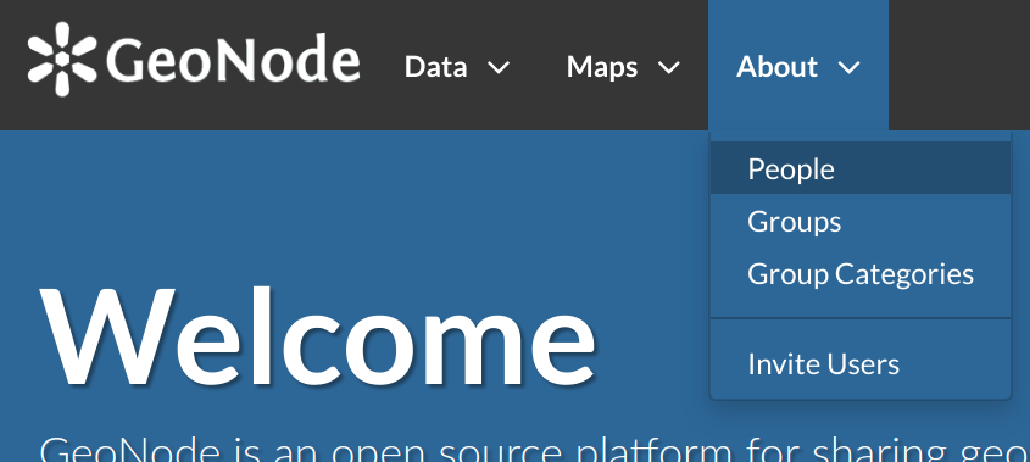
About menu - People link
You will see a list of users registered on the system.
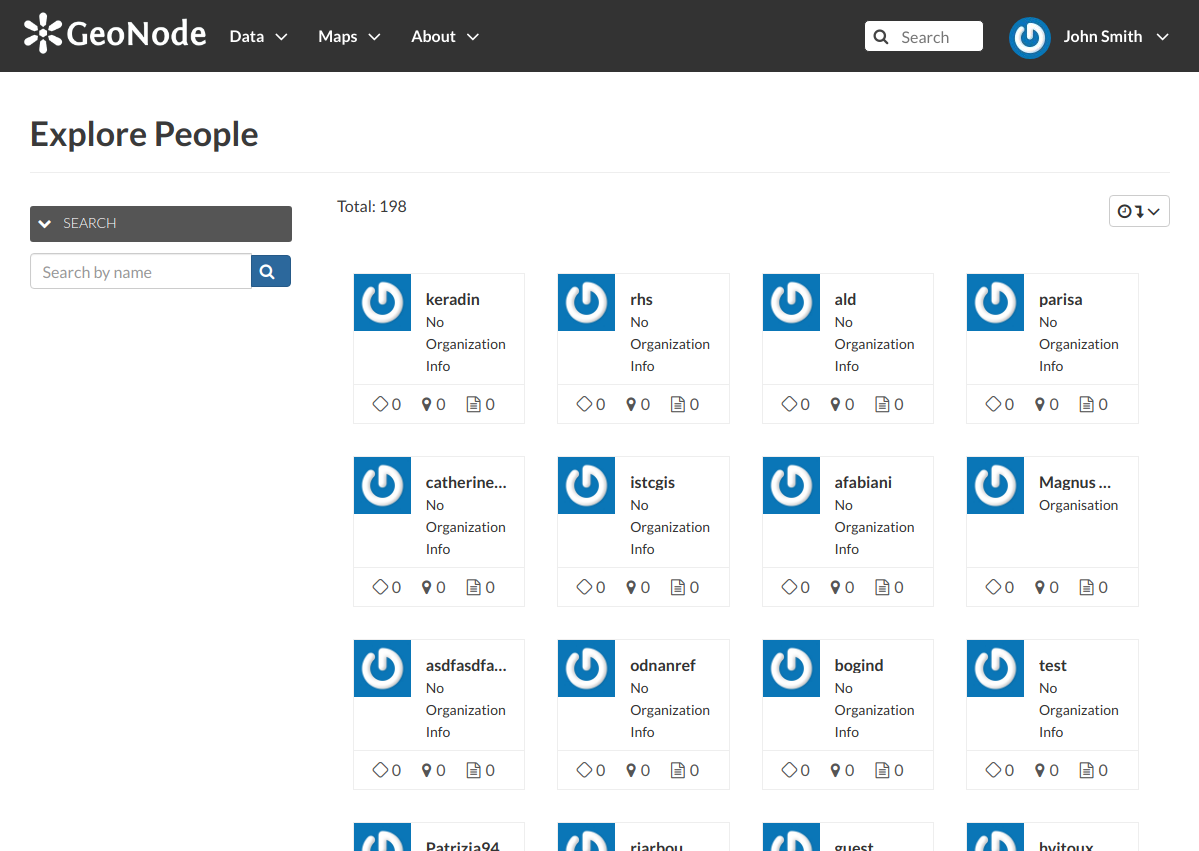
List of the registered users
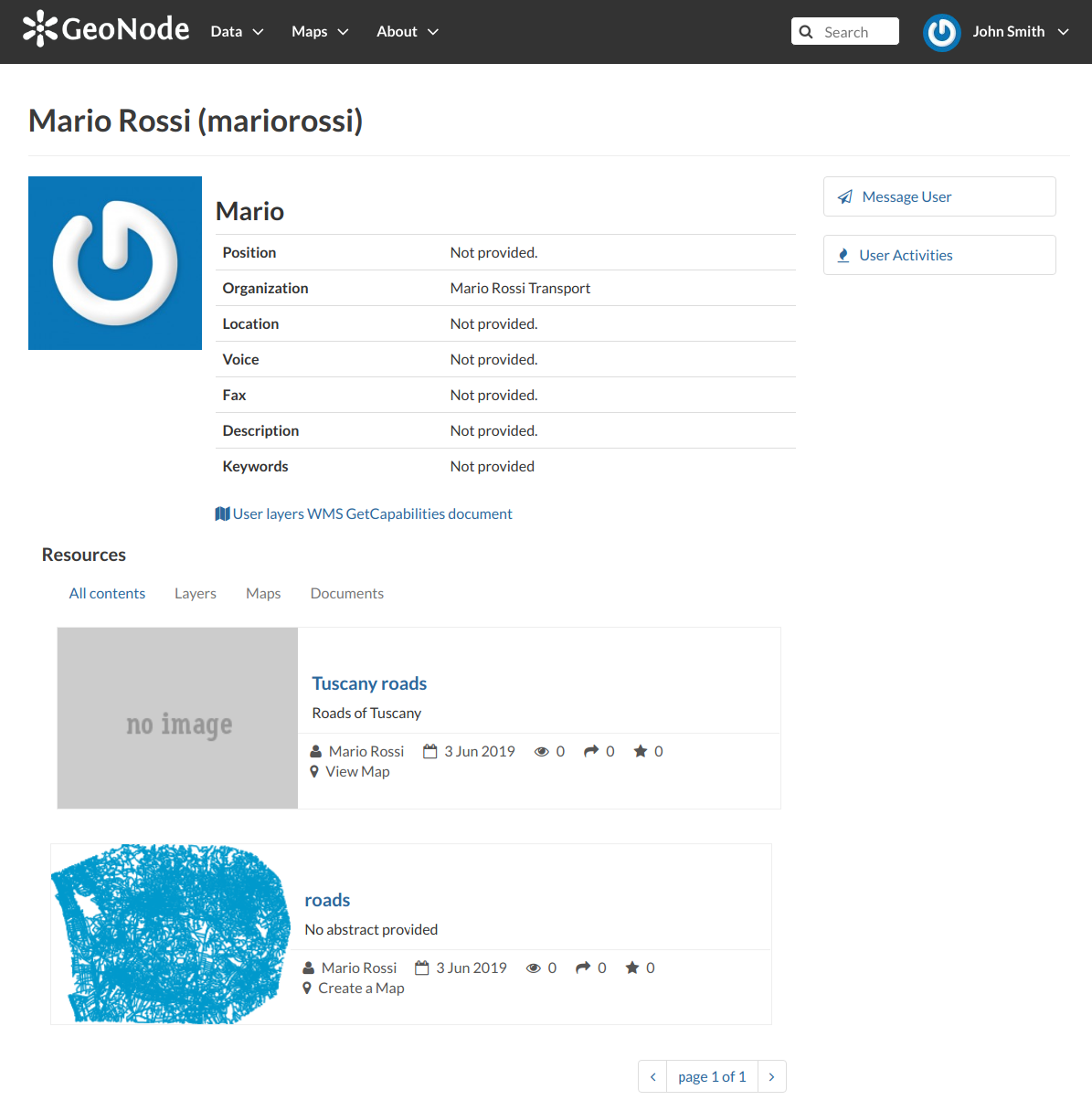
User details
In this page the main information about the user are shown: personal information (name, surname, organization and so on…) and the resources the user owns (layers, maps and documents).
Through the User Activities link, in right side of the page, it is possible to visualize all the activities the user has been done.
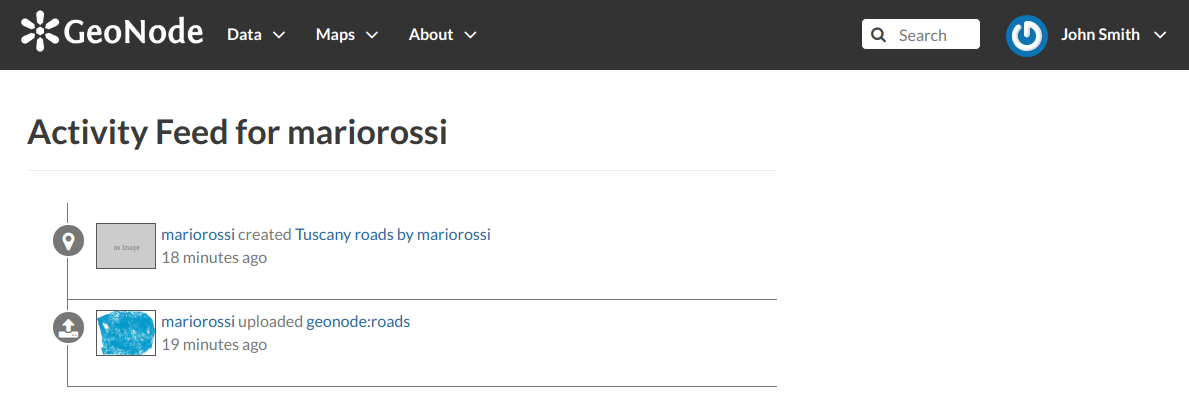
User activities
The Message User link lets you to contact other users, see the next section to read more about that.
It is also possible, in GeoNode, to see the recent activities of all users through the Recent Activities link of the user menu.
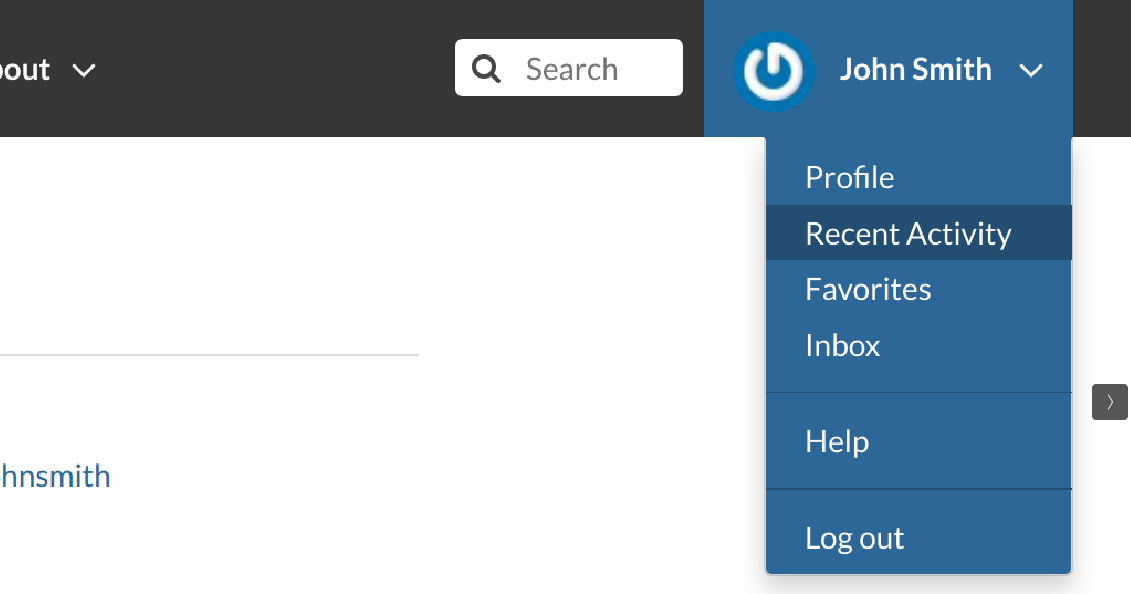
Recent Activities link
In the picture below an example.
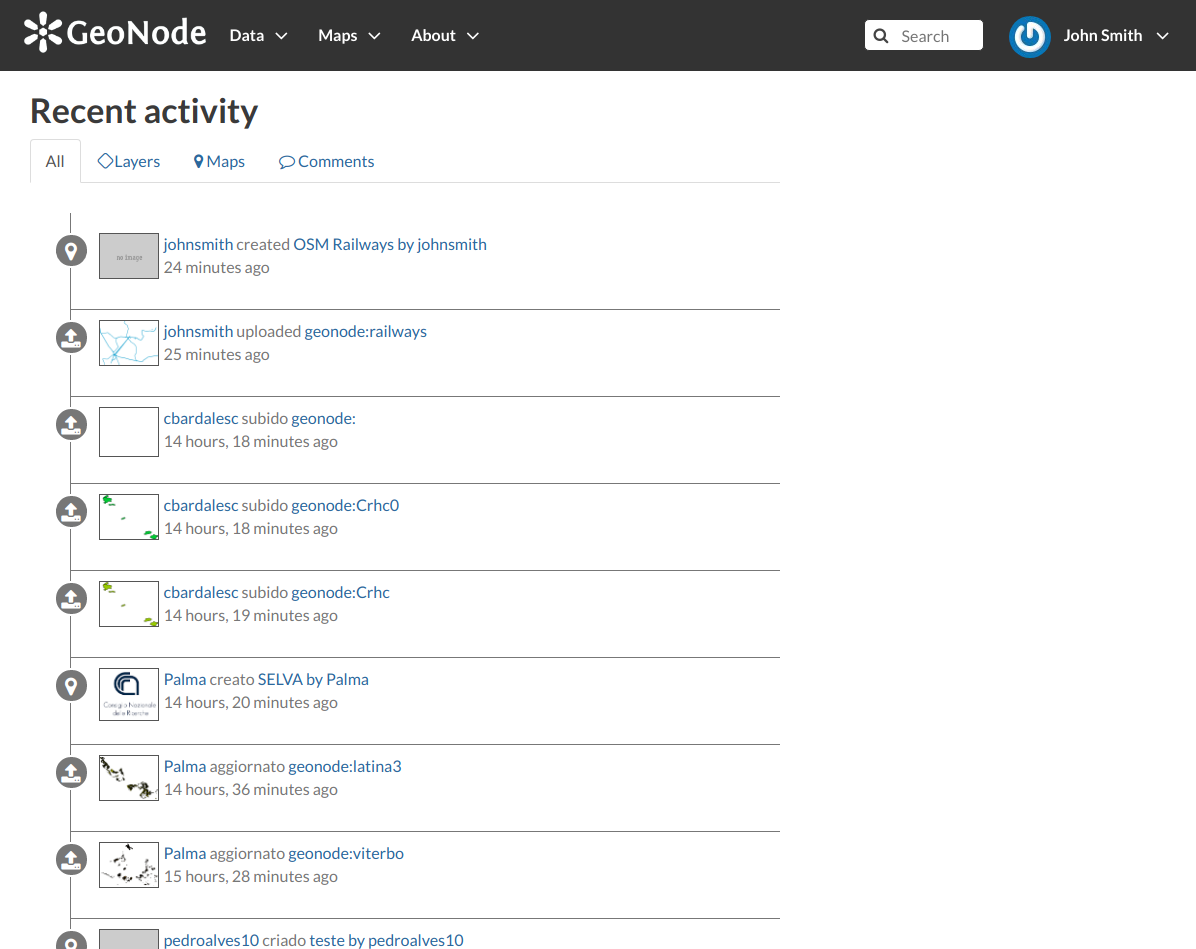
Recent Activities
As you can see, you can decide whether to see only the activities related to layers or those related to maps or comments by switching the tabs.