Manage layers using the admin panel
Some of the layers information can be edited directly through the admin interface although the best place is in the layer -> metadata page in GeoNode.
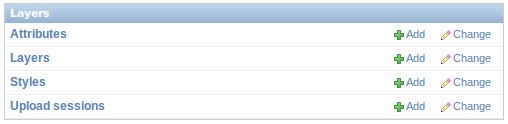
Is not recommended to modify the Attributes neither the Styles.
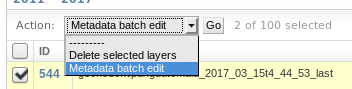
Clicking on the Layers link will present a list of layers. Metadata information can be changed for multiple layers at once with “Metadata batch edit” action. By clicking one of the layers presents you with the page for modifing some of the information like metadata, keywords etc. It’s strongly recommended to limit the edits to the metadata and similar information.