Creating empty layers
In GeoNode it is possible to create empty layers, that can be populated with features at a later stage using the mapping client editing tools.
This is possible using the createlayer application, which can be enabled if GeoNode is installed with PostGIS.
Once the application is enabled in GeoNode you will be able to create an empty layer by browsing to “Data > Create Layer”. You will see a form like this:
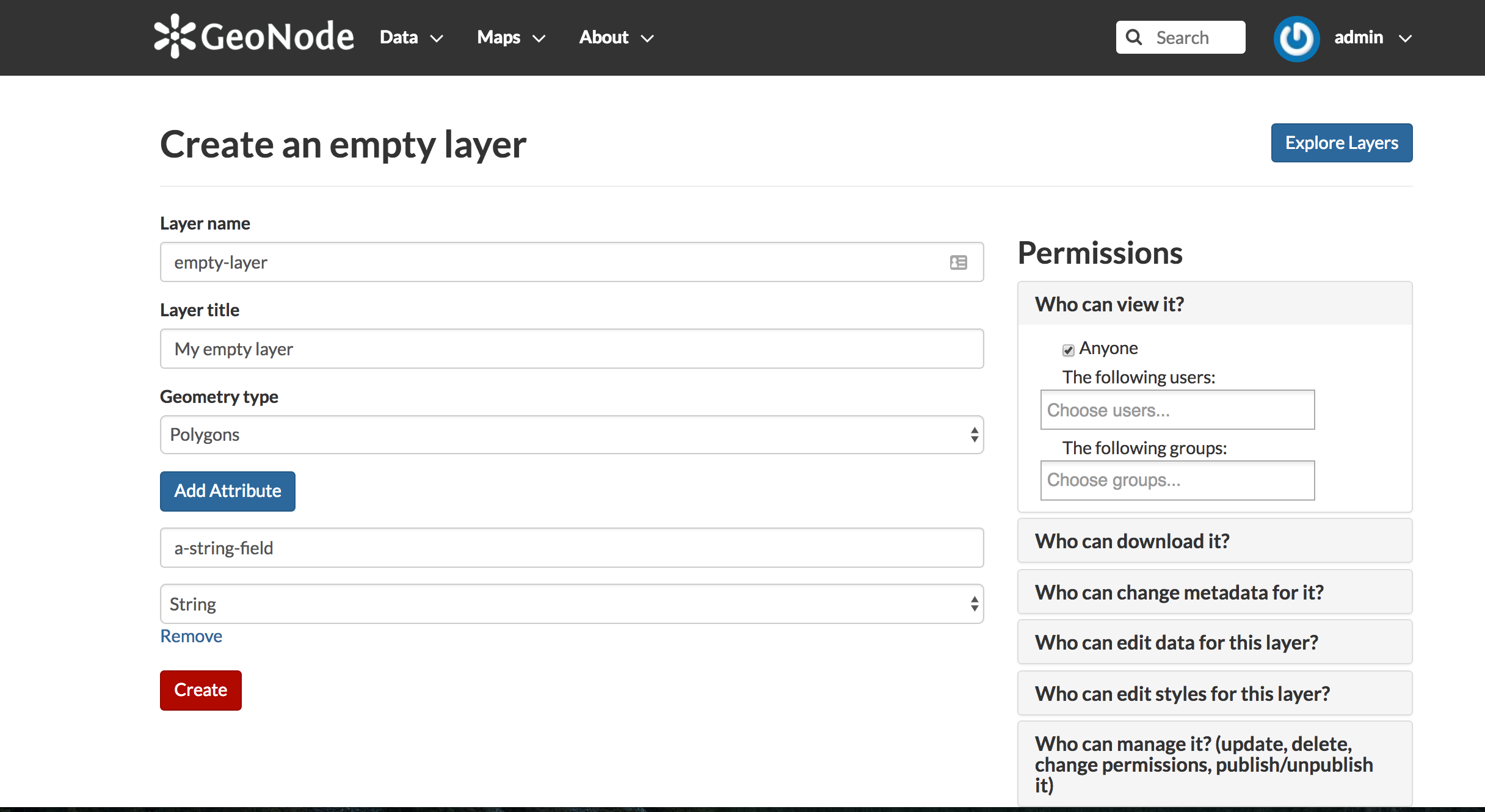
Fill the form as needed:
- give a layer name
- give a layer title
- assign a geometry for the layer (Points, Lines, Polygons)
- add as many attributes as needed. For each attribute provide a name and a type. Type can be string, integer, float and date
- assign permissions as needed
Now by clicking the “Create” button your new empty layer should be created.