Install GeoServer Application
In this section we are going to setup GeoServer for GeoNode. GeoServer will run inside Tomcat sevrlet container.
Setup GeoServer
You’ve already installed Tomcat 8 in the system in the first section of the training. Before you deploy GeoServer stop the running Tomcat instance
$ sudo service tomcat8 stop
Now copy the downloaded GeoServer archive inside Tomcat’s webapps folder
$ sudo cp -Rf /home/geonode/my_geonode/geoserver/geoserver/ /var/lib/tomcat8/webapps/
Move
GEOSERVER_DATA_DIRon an external location$ sudo mkdir -p /data/geoserver-data $ sudo mkdir -p /data/geoserver-logs $ sudo mkdir -p /data/gwc_cache_dir $ sudo cp -Rf /home/geonode/my_geonode/geoserver/data/* /data/geoserver-data/ $ sudo chown -Rf tomcat8: /data/geoserver-data/ $ sudo chown -Rf tomcat8: /data/geoserver-logs/ $ sudo chown -Rf tomcat8: /data/gwc_cache_dir/
Set default Java settings
You need to edit the
/etc/default/tomcat8file$ sudo vim /etc/default/tomcat8
Make sure
JAVA_OPTSare configured as follows#JAVA_OPTS="-Djava.awt.headless=true -Xmx128m -XX:+UseConcMarkSweepGC" GEOSERVER_DATA_DIR="/data/geoserver-data" GEOSERVER_LOG_LOCATION="/data/geoserver-logs/geoserver.log" GEOWEBCACHE_CACHE_DIR="/data/gwc_cache_dir" GEOFENCE_DIR="$GEOSERVER_DATA_DIR/geofence" JAVA_OPTS="-Djava.awt.headless=true -XX:MaxPermSize=512m -XX:PermSize=128m -Xms512m -Xmx2048m -Duser.timezone=GMT -Dorg.geotools.shapefile.datetime=true -XX:+UseConcMarkSweepGC -XX:+UseParNewGC -XX:ParallelGCThreads=4 -Dfile.encoding=UTF8 -Duser.timezone=GMT -Djavax.servlet.request.encoding=UTF-8 -Djavax.servlet.response.encoding=UTF-8 -DGEOSERVER_DATA_DIR=$GEOSERVER_DATA_DIR -Dgeofence.dir=$GEOFENCE_DIR -DGEOSERVER_LOG_LOCATION=$GEOSERVER_LOG_LOCATION -DGEOWEBCACHE_CACHE_DIR=$GEOWEBCACHE_CACHE_DIR"
Warning
Double check memory options
-Xms512m -Xmx2048mare compatible with your VM available RAMSet default Catalina settings
You need to edit the
/var/lib/tomcat8/conf/catalina.propertiesfile$ sudo vim /var/lib/tomcat8/conf/catalina.properties
Make sure
bcprov*.jaris skipped at run-timetomcat.util.scan.StandardJarScanFilter.jarsToSkip=\ ... xom-*.jar,\ bcprov*.jar
Restart Tomcat 8 service
$ sudo service tomcat8 restart
You can follow the start-up logs by running the following shell command
$ sudo tail -F -n 300 /var/lib/tomcat8/logs/catalina.out
Test GeoServer
Now start Tomcat to deploy GeoServer:
sudo service tomcat8 start
Tomcat will extract GeoServer web archive and start GeoServer. This may take some time
Open a web browser (in this example Firefox) and navigate to http://localhost:8080/geoserver
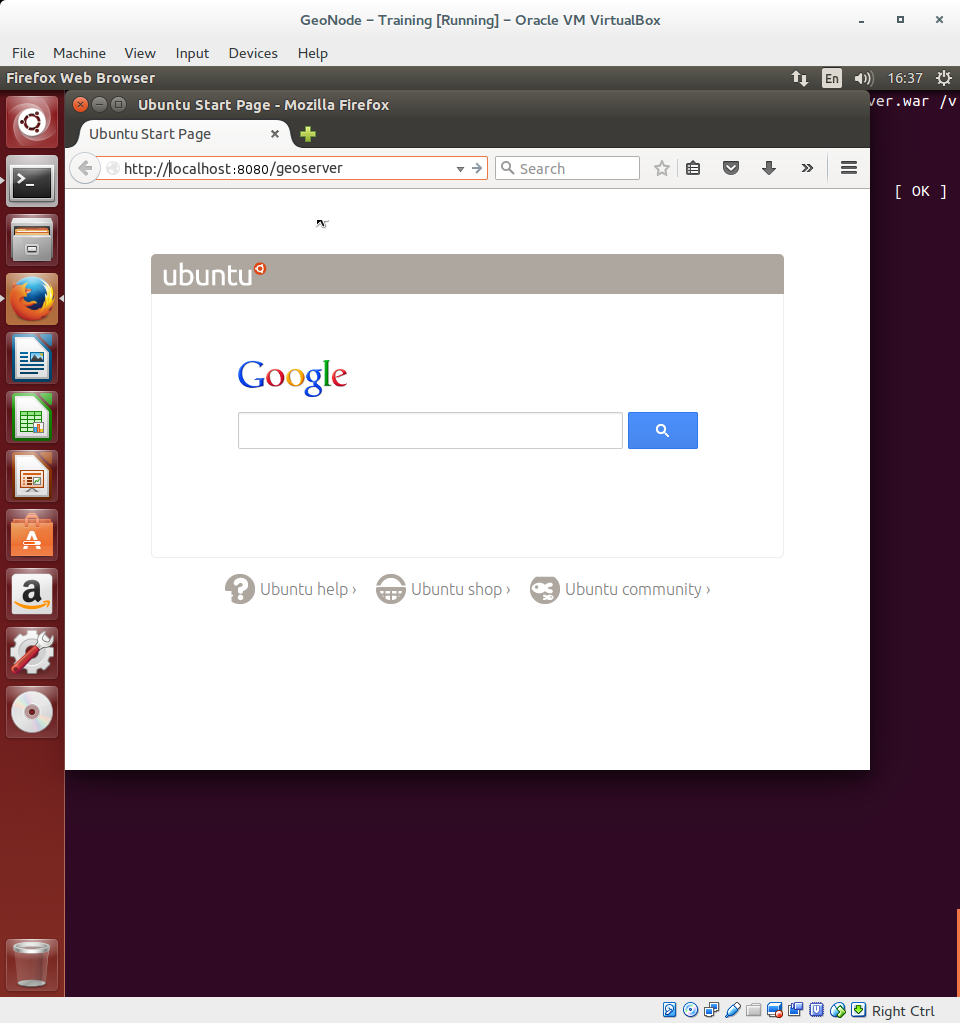
In a few seconds GeoServer web interface will show up:

GeoNode authentication integration
All we need to do now is to integrate GeoNode authentication so that GeoNode administrator will be able to access and administer GeoServer as well.
Stop GeoServer
$ sudo service tomcat8 stop
Edit
/data/geoserver-data/security/filter/geonode-oauth2/config.xmlwith a text editor$ sudo gedit /data/geoserver-data/security/filter/geonode-oauth2/config.xml
And make sure the following values are configured as follows:
<accessTokenUri>http://localhost/o/token/</accessTokenUri>
<userAuthorizationUri>http://localhost/o/authorize/</userAuthorizationUri>
<redirectUri>http://localhost/geoserver</redirectUri>
<checkTokenEndpointUrl>http://localhost/api/o/v4/tokeninfo/</checkTokenEndpointUrl>
<logoutUri>http://localhost/account/logout/</logoutUri>
Edit
/data/geoserver-data/security/role/geonode\ REST\ role\ service/config.xmlwith a text editor$ sudo gedit /data/geoserver-data/security/role/geonode\ REST\ role\ service/config.xml
And make sure the following values are configured as follows:
<baseUrl>http://localhost</baseUrl>
Edit
/data/geoserver-data/global.xmlwith a text editor$ sudo gedit /data/geoserver-data/global.xml
And make sure the following values are configured as follows:
<proxyBaseUrl>http://localhost/geoserver</proxyBaseUrl>
Restart GeoServer to make the changes effective
$ sudo service tomcat8 restart
You can follow the start-up logs by running the following shell command
$ sudo tail -F -n 300 /var/lib/tomcat8/logs/catalina.out