Creating a new account
Before you can save or edit any layers on a GeoNode instance, you need to create an account.
From any page in the web interface, you will see a Register link. Click that link, and the register form will appear
Note
The registrations in GeoNode must be open, in case you don’t see the register link then it’s not possible to register unless the administrator of the site does that for you.
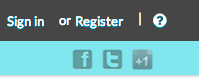
Sign in screen
On the next page, fill out the form. Enter a user name and password in the fields. Also, enter your email address for verification.
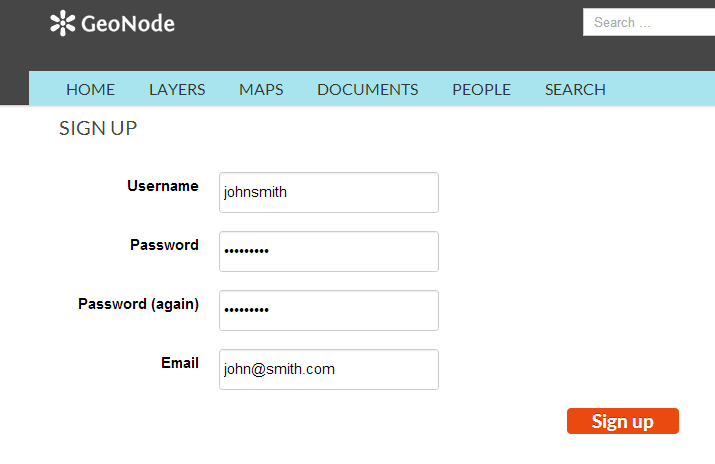
Registering for a new account
You will be returned to the welcome page. An email will be sent confirming that you have signed up. While you are now logged in, you will need to confirm your account. Navigate to the link that was sent in the email.
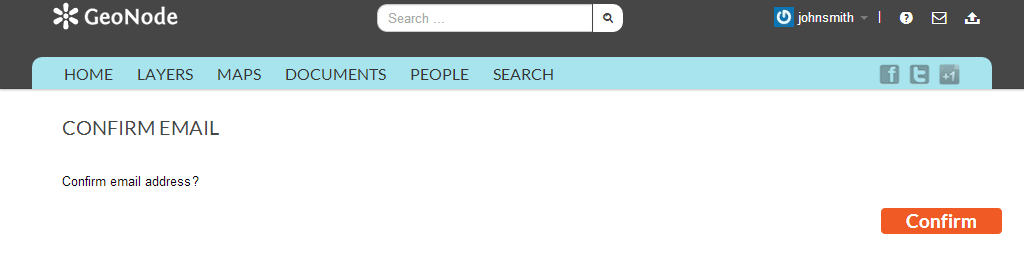
Confirming your email address
Click Confirm. You will be returned to the homepage.