Viewing other user accounts
Now that your account is created, you can view other accounts on the system. Note that on the main profile page there are options for following (and blocking) other users.
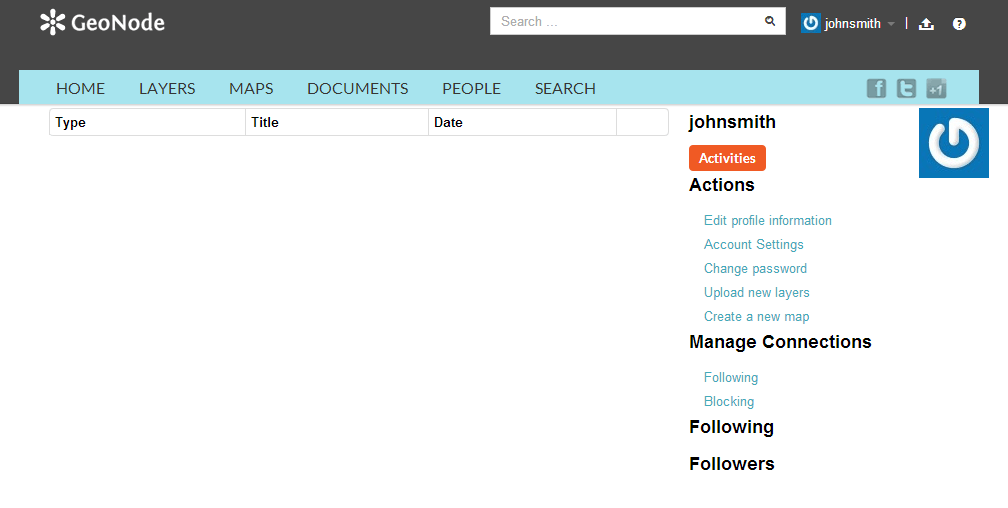
Profile page
To see information about other users on the system, click the People link on the top toolbar. You will see a list of users registered on this system.
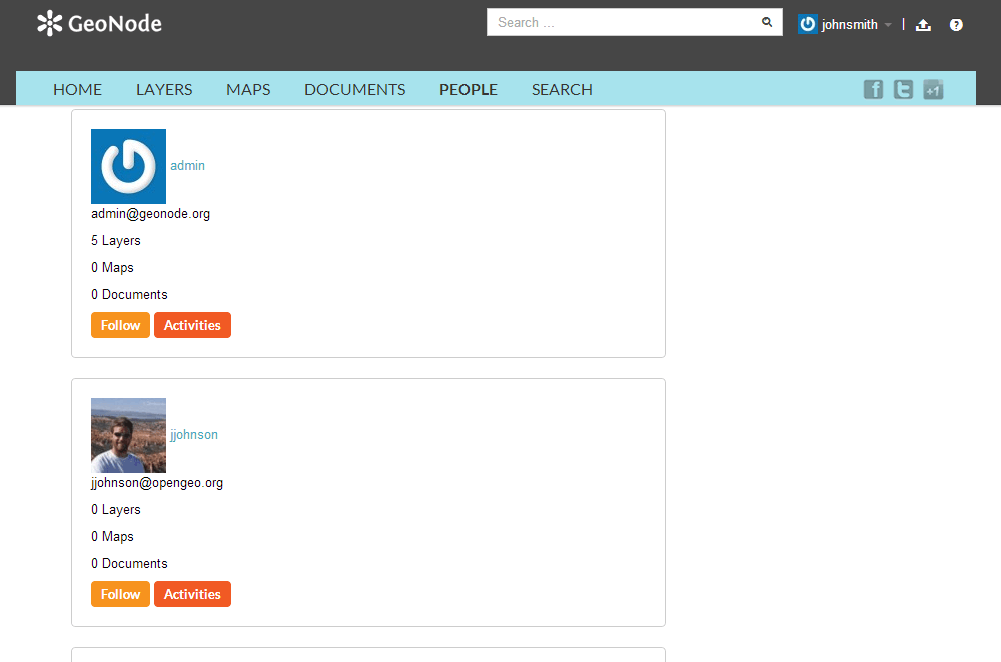
List of users
Click on the user name for a particular user. You will see the layers owned by this user.
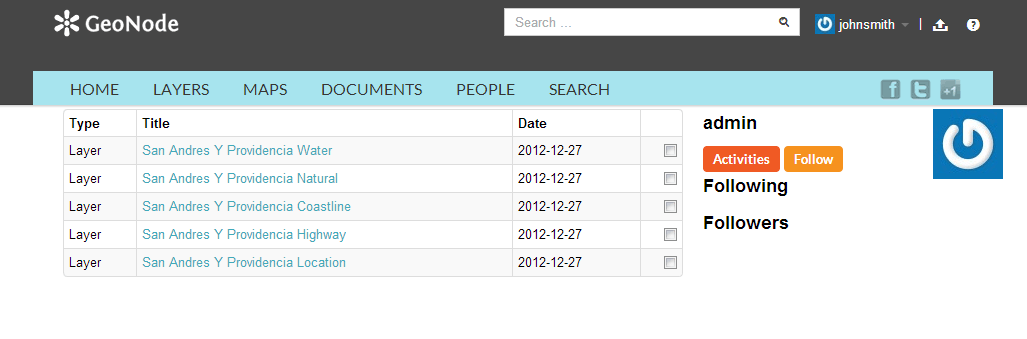
List of layers owned by a user
You can also click Activities to see the activity feed.
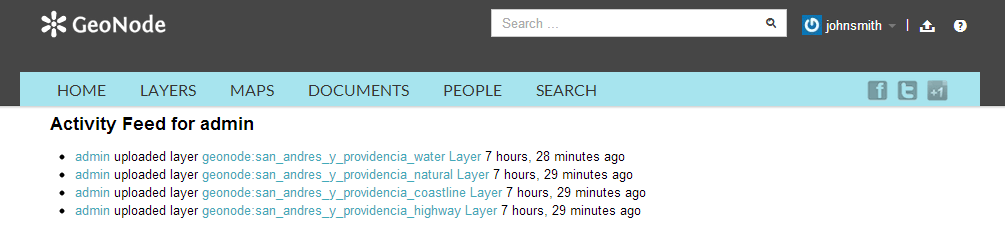
List of users
If you are interested in keeping track of what this user does, go back to the previous page and click the Follow button.
A confirmation page will display. Click Confirm.
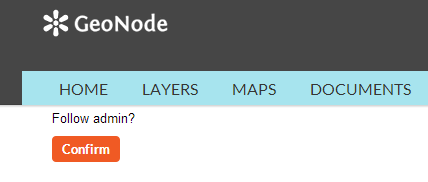
Confirming following a user
You will now be following this user, and your profile page will note this.
Success following a user