Share your map
Now let’s finish our map.
Check the box next to the highway layer to activate it. If it is not below the POI layer in the list, click and drag it down.
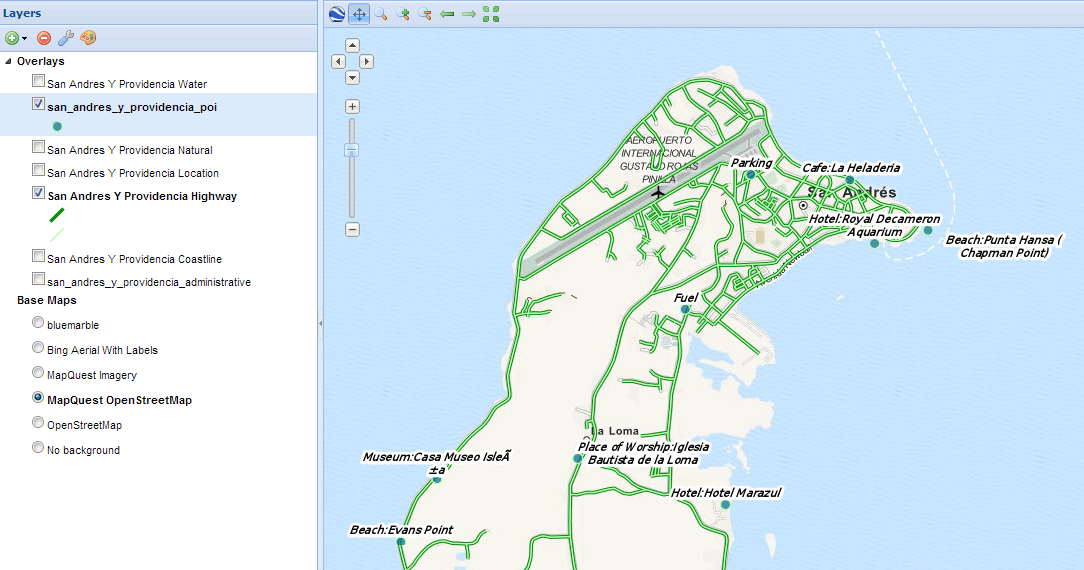
Adjusting map composition
Make any final adjustments to the map composition as desired, including zoom and pan settings.
Click the Map button in the toolbar, and then click Publish Map.
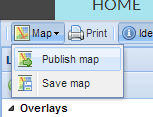
Publish map link
The title and abstract as previously created should still be there. Make any adjustments as necessary, and click Save.
A new dialog will appear with instructions on how to embed this map in a webpage, including a code snippet. You can adjust the parameters as necessary.
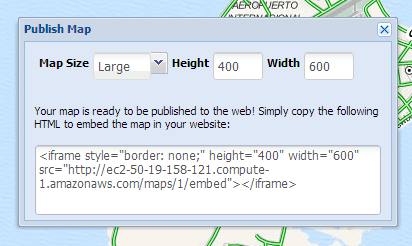
Map publishing options
Your map can now be shared.